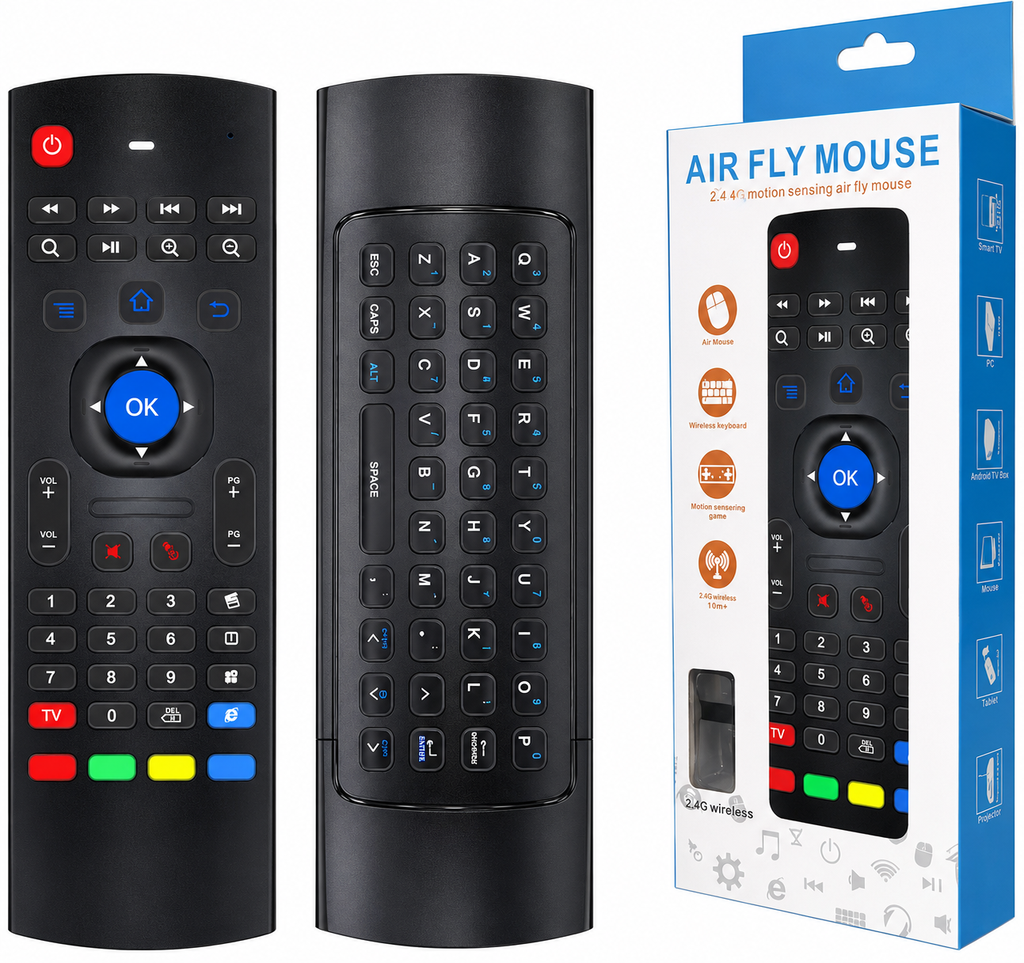
REMOTE CONTROL MX3
Key Features
- Air Mouse: Features a 6-axis gyroscope that lets you move the cursor on your screen by waving the remote.
- Keyboard: A physical keyboard on the reverse side for typing searches or emails.
- IR Learning: You can program the Power button and the 4 color buttons at the bottom to control your traditional TV.
How to Connect (Setup)
- Plug the included USB dongle into a standard USB port on your Smart TV, Android Box, or PC.
- The remote should connect automatically ("plug and play").
- If it does not pair, press and hold the OK key and the TV key simultaneously until the cursor appears on your screen.
₪ 35.00
₪ 35.00